Shop Easily & Securely
Get Started today!
Shop the Safest Way – Add Your White Eagle Visa Debit Card to Your Mobile Wallet for Easy Apple Pay & Google Pay!
Make your everyday shopping easier and more secure when you add your White Eagle Visa Debit card to your mobile wallet. Apple Pay and Google Pay are easy and work with the smartphone devices you use every day.


Benefits from adding White Eagle to your mobile wallet:
- You can make secure purchases in stores, in apps, and on the web.
- Send and receive money from friends and family right in Messages.
- Simpler than using your physical card, and safer too.
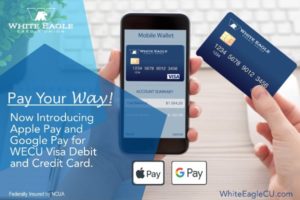
Make shopping easier and more secure:
Enter your card information and start using Apple Pay/Google Pay today.
Available on iPhone® and your Android devices – Google Pay. Apple Pay and Google Pay raises the bar for secure, convenient transactions. Just enter your White Eagle Debit and/or Visa Credit cards into your phone’s Wallet app. Then shop in-store or online at thousands of merchant locations across the nation – with more joining every day. Apple Pay and Google Pay offers numerous benefits over conventional card-based payments:
- Make purchases by holding your phone near a participating merchant’s reader, with your finger on the Touch ID sensor.
- Apple Pay and Google Pay transactions are free – message or data rates may apply depending on your wireless plan.
- Your name and card number remain anonymous to cashiers and bystanders, making online and mobile payments more secure than ever before.
- Your phone carries only a unique, encrypted Device Account Number rather than your actual debit or credit card numbers.
Getting started is easy:
- Make sure you have the latest iOS version on your iPhone or latest update version for Android..
- Open your Wallet app, swipe down and tap the plus sign.
- Enter your card by snapping a photo with your device’s camera, or add the data manually into your wallet.
- Look for the Apple Pay or Google Pay logo at participating merchants.